
Ocean King II: Special Targets and Controls
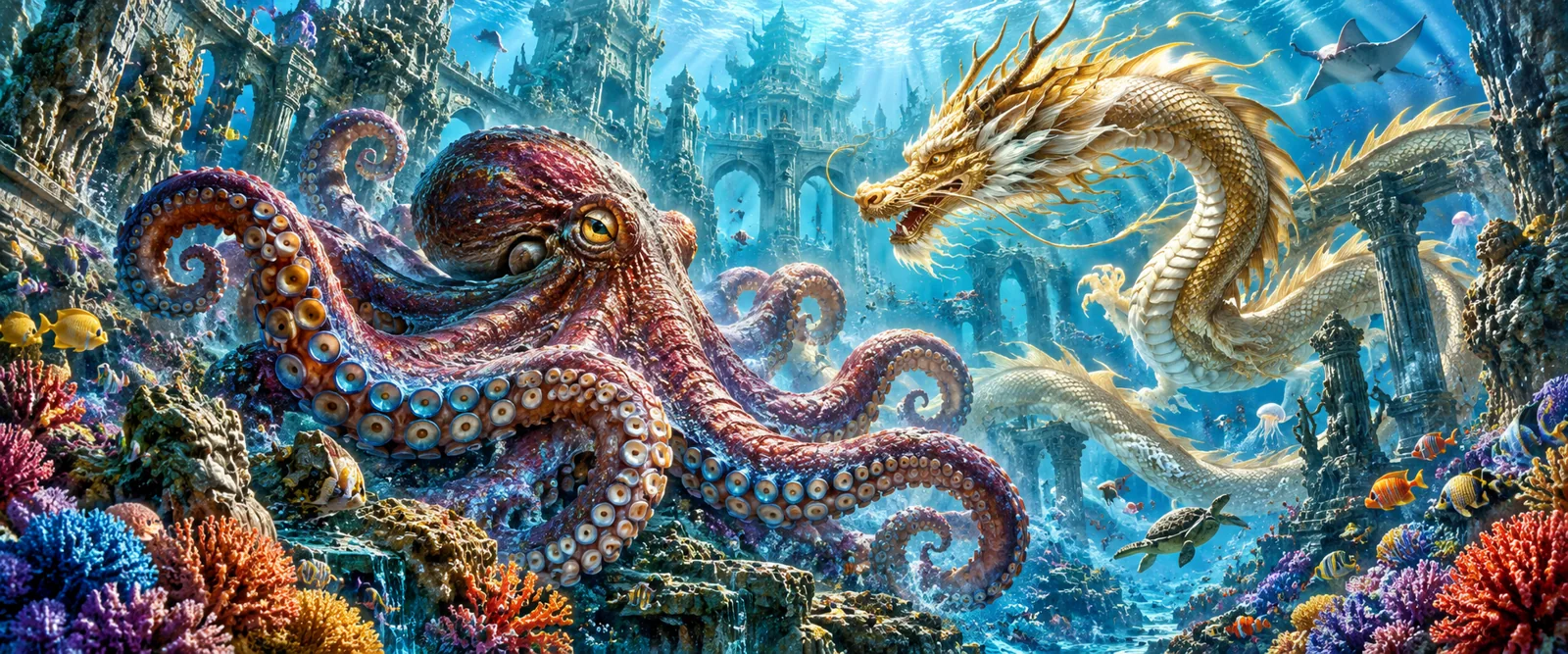
If you arrived here after seeing the octopus-and-dragon artwork, start with the title inside the game. Ocean King II is listed separately from Ocean King II EX variants. A shared series name is useful for recognition, bu
- 📖 7 min read
- 🗂️ Game guides
- 18+ only
Ocean King II combines a moving fishing playfield with weapon controls and several kinds of special targets. Its reference help distinguishes normal shooting, accelerated shooting and target aiming. It also describes effects associated with vortex fish, lightning fish and several crab characters. Those effects should be understood as rules for particular events, rather than a reliable prediction of the next capture.
If you arrived here after seeing the octopus-and-dragon artwork, start with the title inside the game. Ocean King II is listed separately from Ocean King II EX variants. A shared series name is useful for recognition, but it does not establish that every version has the same target list or control arrangement.
The Club Suncity 2 website places the title in its Fishing section. This guide looks closely at how to interpret the checked help material. It does not supply invented capture probabilities or convert a historical target table into a claim about current returns.
Read the screen in layers
A fishing interface is easier to understand when separated into layers. The playfield shows moving targets. The weapon area identifies the active firing arrangement. The numerical controls show settings or values. The function panel provides information and other actions. Looking at one layer without the others can create an incomplete picture of what the game is doing.
For example, a dramatic effect on the playfield can occupy much of the screen while the weapon setting remains unchanged below it. Alternatively, a small adjustment beside the cannon can change the displayed setting without producing an obvious scene change. The amount of visual activity is not a dependable measure of the importance of an action.
When reading a screenshot, identify which layer it documents. A help image explains a rule. An active-play image documents a moment. A catalogue tile identifies the product. These images serve different purposes, even when they use the same ocean background.
Three weapon descriptions, three questions
The reference help names normal shooting speed, accelerated shooting speed and aiming at a target. Those labels point to different questions: how firing is presented, how rapidly an action may repeat and which creature receives attention. They should not be collapsed into a single idea of a stronger weapon.
A speed-related option concerns pacing. A targeting option concerns selection. Neither label, on its own, proves a higher probability of capture. The help for the particular version must explain whether any other mechanic changes. Avoid adding an outcome advantage to a control whose description only discusses presentation or targeting.
Before switching a weapon mode, note the current setting and identify the active indicator. After switching, read the numerical display again. This is an interface check, not a recommendation to cycle through modes while spending credits. If the help is available without running the action, read it there first.
Vortex effects: pay attention to the stated group
The checked help describes a vortex event in terms of a particular group of fish. The important reading skill is identifying the scope of that group. An effect that refers to one species should not be rewritten as an effect that applies to every creature on the screen.
Think of scope as a boundary in a rule. A condition may refer to matching species, a visible area, a period of time or another defined set. Changing that boundary changes the meaning of the feature. A guide should preserve the boundary even when a broader description would sound more exciting.
On a crowded playfield, similar colours can make different creatures look related. Use the target illustration and written description together. If you are documenting an apparent mismatch, capture enough of the scene to show which creatures were present rather than cropping the image down to the visual effect alone.
Lightning chains: separate the trigger from the continuation
The reference help describes a lightning effect that begins from a particular target event and continues for a limited process. That distinction creates two stages to understand: what initiates the effect and what the effect does afterward. Seeing a chain animation does not establish that it began from an ordinary shot or that it will continue indefinitely.
This is a useful pattern for reading many game features. First locate the trigger condition. Then locate the continuation rule. Finally locate the end condition. If the help describes only the first two, do not invent a fixed duration or a guaranteed number of captures to complete the explanation.
A chain also should not be treated as evidence that the player can force the same event to happen again immediately. The display explains what is occurring now. It does not reveal a schedule for future effects. Repeatedly changing a weapon setting is not a method of proving when a chain will return.
Why the crab characters need separate descriptions
The reference uses several crab characters with different feature descriptions. Their shared appearance does not make them interchangeable. One description concerns an area effect, another a beam-related action and another a moving effect with a later event. The exact condition associated with each character is what differentiates them.
When checking the help, compare the icon beside the explanation rather than relying on the word crab alone. A list written from memory can accidentally attach one character’s effect to another. This is particularly easy when a translated name differs between reference material and the current app.
If a feature mentions an opportunity rather than a certainty, keep that distinction. An effect that may interact with targets in an area is not the same as a promise that every target in the area will be captured. Replacing conditional wording with guaranteed wording creates an inaccurate guide.
Questions to ask of any special target
Identify the character, the event required to activate its effect, the targets or area it can affect and the stated end condition. Then check whether the help describes a fixed award, a variable award or an effect whose result depends on additional events. Those questions make the feature readable without inventing missing values.
How a target table differs from a probability table
The illustrated help includes target entries with both single numbers and ranges. These are not enough to calculate the likelihood of a capture. A reader can know the listed award associated with an event while still not knowing how frequently that event occurs.
Suppose a hypothetical rule lists a value between ten and thirty units. That range does not tell you whether every value is equally likely, how a particular value is selected or how many attempts might occur first. It would be misleading to describe the maximum as the ordinary result.
The existing target-and-ammunition guide explains the general vocabulary. This Ocean King II article adds the distinction between ordinary target entries and special-effect descriptions. A target table can contain several kinds of information, and they should not all be interpreted in the same way.
Automatic controls and the meaning of an active state
The reference control panel includes an automatic option. An automatic control is relevant because an initial selection may be followed by repeated activity. Before opening another panel or moving away from the screen, identify whether the action is still active and how the current interface indicates that state.
Do not assume that a dimmed playfield, an open help panel or a change in animation speed pauses every process. Those are interface observations, not a complete description of the game’s state. Use the documented stop or exit process, and allow any pending information to settle before interpreting the balance.
For broader cost arithmetic, see the ammunition-cost explainer. The issue here is narrower: repeated activity is easier to overlook when your attention is on a special effect rather than on the control that keeps the action running.
Distinguishing Ocean King II from EX versions
The reference catalogue contains the base title alongside EX entries labelled Rookie, Normal and Club. Those names establish that separate entries exist. They do not establish a universal difficulty ladder, a price ranking or a progression system that every player must follow.
If a support question concerns Ocean King II, say so explicitly. Adding EX by habit can send the investigation toward another interface. The reverse is equally true: shortening an EX title to Ocean King can remove a useful clue about the rules being discussed.
When comparing two entries, compare their current help panels directly. Shared sea creatures are not enough to prove that the same special effect or target value applies. A useful comparison records what each source actually says and leaves unsupported differences unresolved.
Frequently asked questions
Does a larger creature necessarily have better value?
Size and animation do not establish value. Understanding value would require information about costs and outcome probabilities, not only a large possible award.
Does accelerated shooting guarantee faster captures?
A pacing label does not establish a guarantee about outcomes. Read the current weapon description and keep repetition speed separate from capture probability.
Can a target range be used to estimate my next award?
A range describes possible entries under a rule. Without the distribution and qualifying conditions, it cannot predict a particular result.
What if the displayed controls differ from this reference?
Use the help inside your current version. For an app-wide problem, visit the guide hub. If you cannot sign in, the account-access page is more relevant than a game-mechanics article.
Related Articles
 Club Suncity 2 App Slow?App care →
 Club Suncity 2 Fake SupportAccount safety →How to Verify Official Club Suncity 2 LinksAccount safety →
 Club Suncity 2 Login on a New Phone GuideLogin help →Club Suncity 2 Login Failed? Fix Common ErrorsLogin help →Club Suncity 2 Account Locked? What to CheckLogin help →